> ## Documentation Index
> Fetch the complete documentation index at: https://docs.ale.run/llms.txt
> Use this file to discover all available pages before exploring further.
# Container Image
> On the dashboard, click or `⌘ + K` to open the deployment modal, then Select the **Container Template.**
You can deploy custom images from a private image registry. See the [Connect Registry page](/en/developers/registry).
## Configuration and Deployment
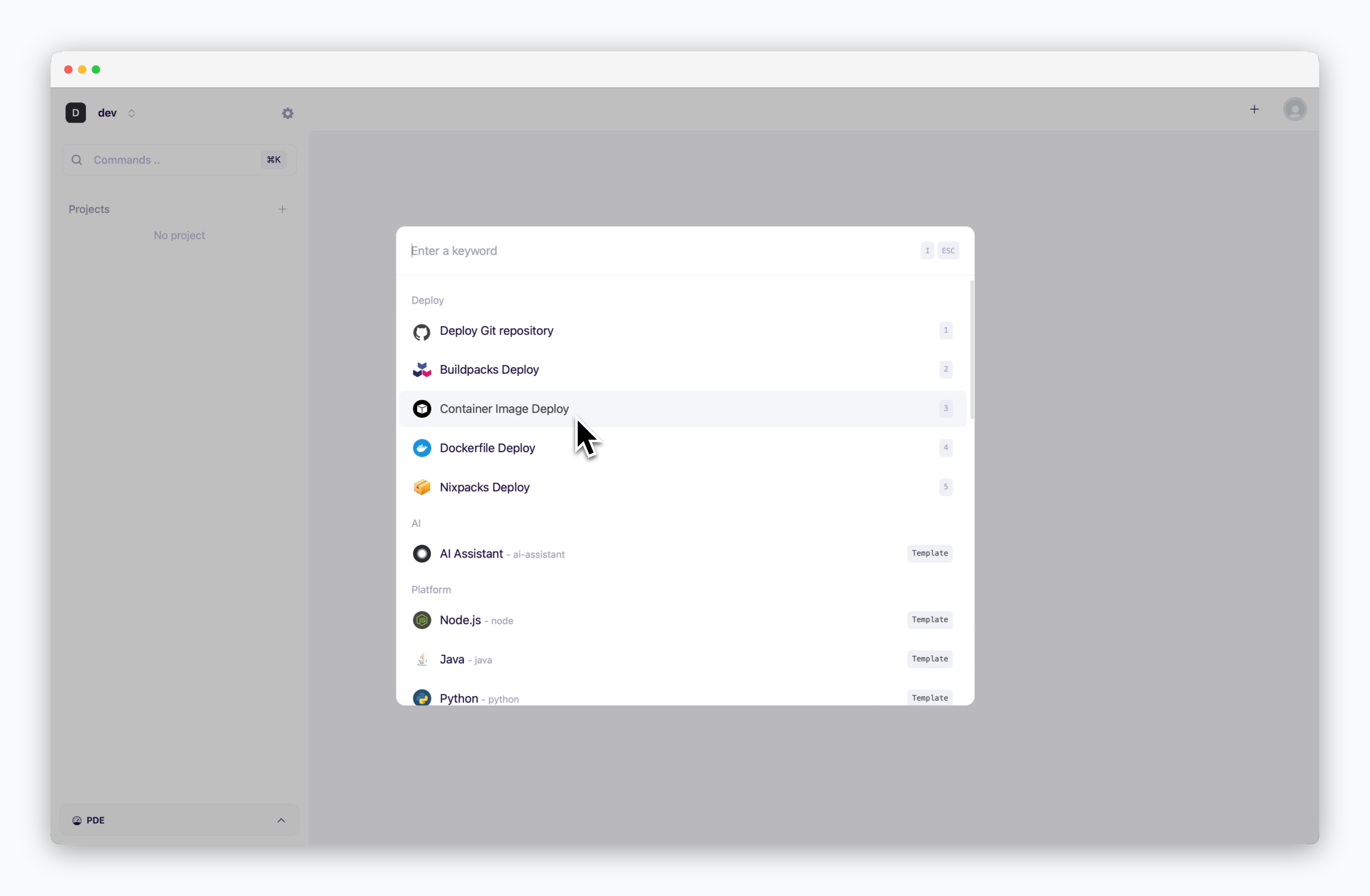 > After selecting the Container template, enter the necessary settings and deploy.
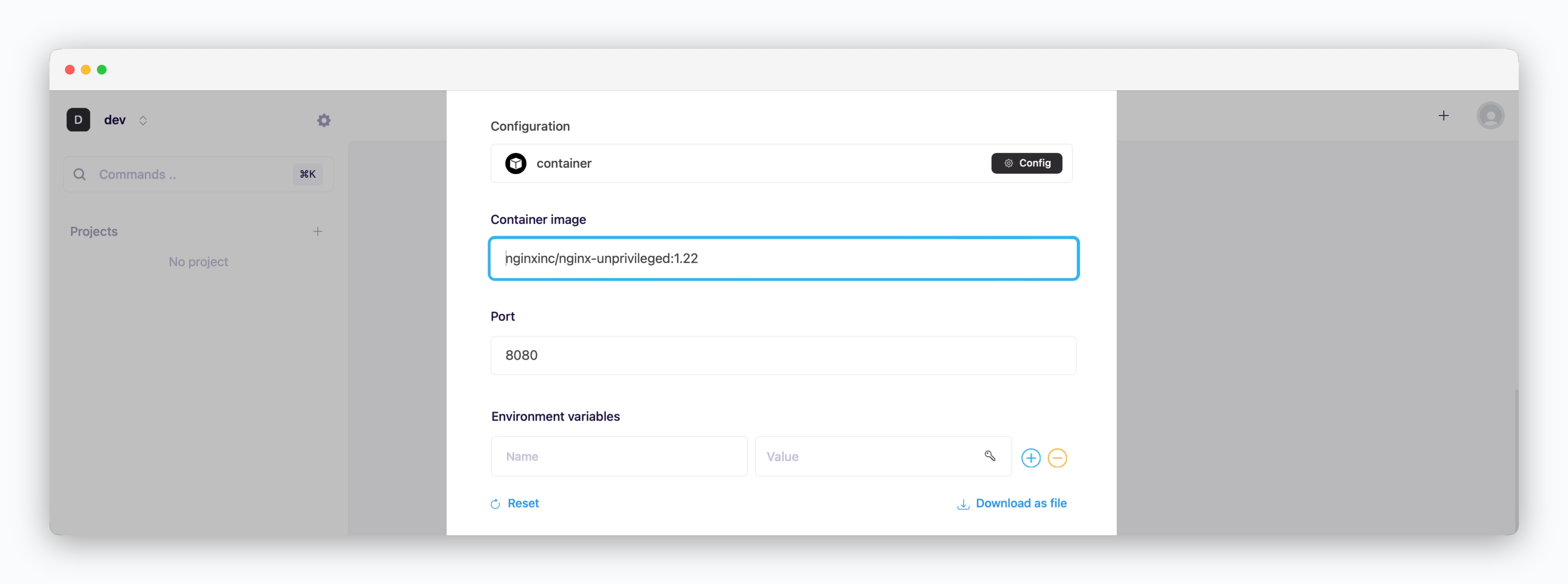 > Enter the image address and tag along with `:`.
> Enter the settings for image deployment.
> Enter the image address and tag along with `:`.
> Enter the settings for image deployment.
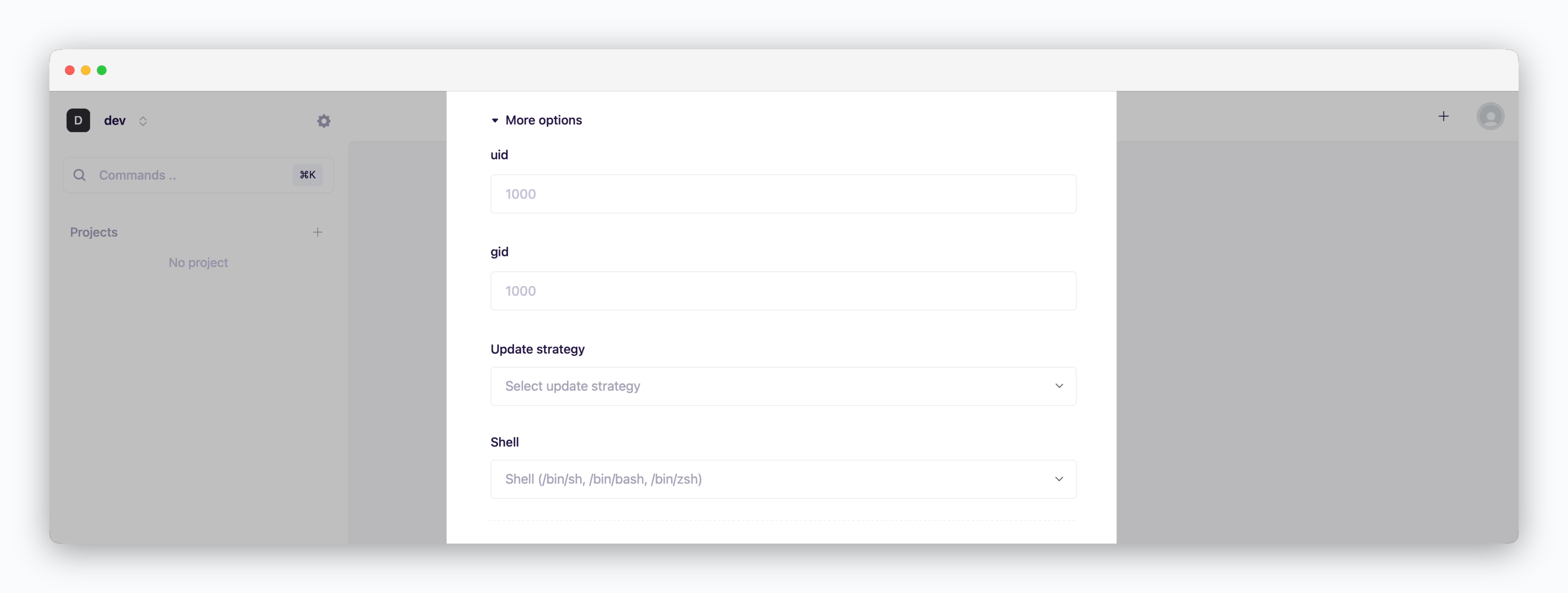 * **uid**: User ID for executing processes within the container (default: 1000)
* **gid**: Group ID for process ownership within the container (default: 1000)
* **Update strategy**
* **Rolling Update**: Deploy new version incrementally while maintaining service availability. Requires sufficient node resources
* **Recreate**: Stop all instances before deploying new version. Results in downtime
* **Shell**: Specify the shell for container runtime execution (sh, bash, zsh, etc.)
* **uid**: User ID for executing processes within the container (default: 1000)
* **gid**: Group ID for process ownership within the container (default: 1000)
* **Update strategy**
* **Rolling Update**: Deploy new version incrementally while maintaining service availability. Requires sufficient node resources
* **Recreate**: Stop all instances before deploying new version. Results in downtime
* **Shell**: Specify the shell for container runtime execution (sh, bash, zsh, etc.)
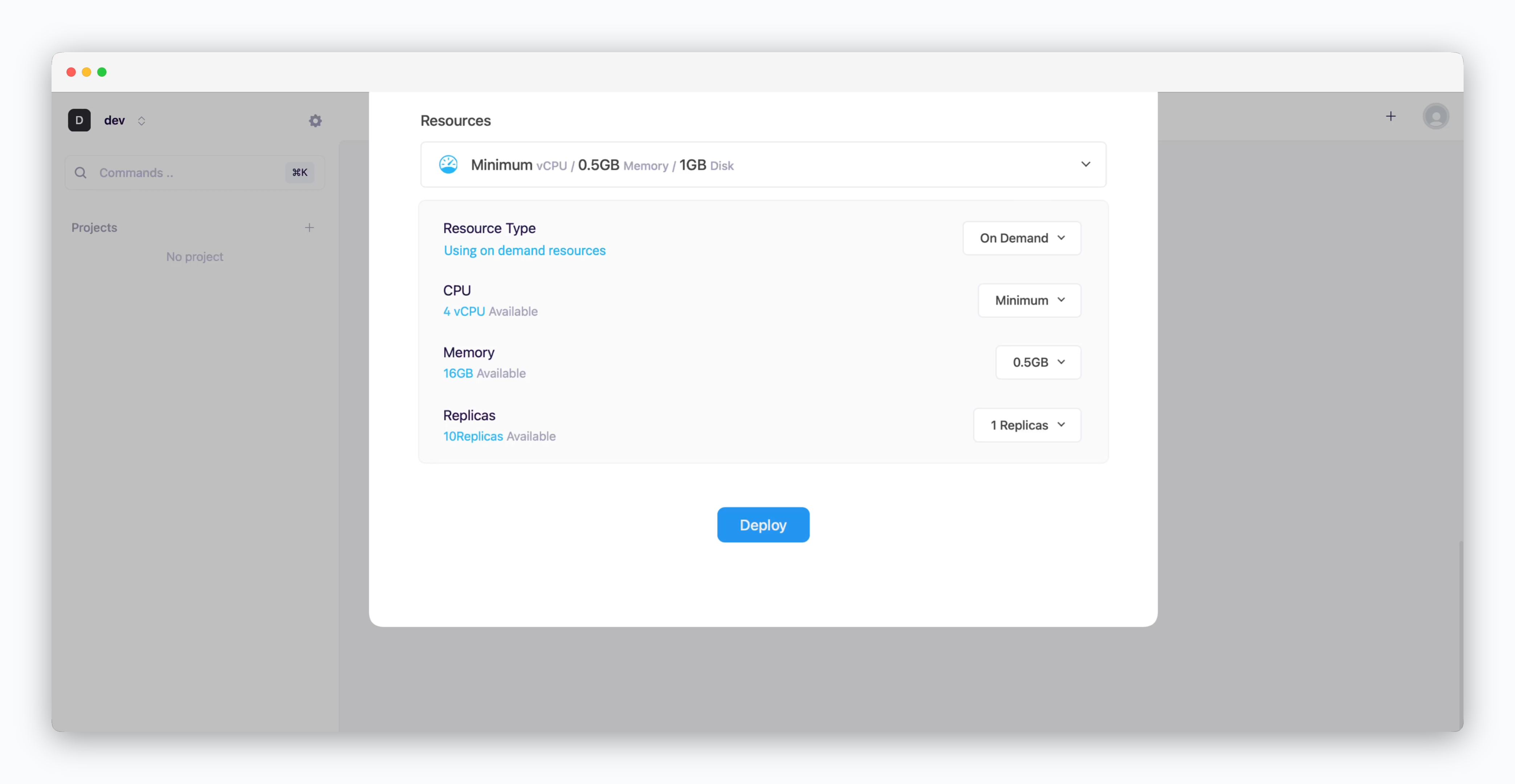 * **Resource Type**: Select between [On-demand or Spot instance types](/en/developers/resource#on-demand-spot)
* **CPU**: Maximum vCPU resource for the service. Minimum vCPU means 0.1 vCPU
* **Memory**: Maximum memory size your service can use
* [Replica](/en/developers/replica): Number of service replicas for high availability and load balancing
* **Deploy**: Click `Deploy`
If deployment fails due to resource limitations, see the [Space and Resource Management page](/en/operations/spaces#allocate-resources) to add resources to your space.
* **Resource Type**: Select between [On-demand or Spot instance types](/en/developers/resource#on-demand-spot)
* **CPU**: Maximum vCPU resource for the service. Minimum vCPU means 0.1 vCPU
* **Memory**: Maximum memory size your service can use
* [Replica](/en/developers/replica): Number of service replicas for high availability and load balancing
* **Deploy**: Click `Deploy`
If deployment fails due to resource limitations, see the [Space and Resource Management page](/en/operations/spaces#allocate-resources) to add resources to your space.