> ## Documentation Index
> Fetch the complete documentation index at: https://docs.ale.run/llms.txt
> Use this file to discover all available pages before exploring further.
# Replicas
## Setup
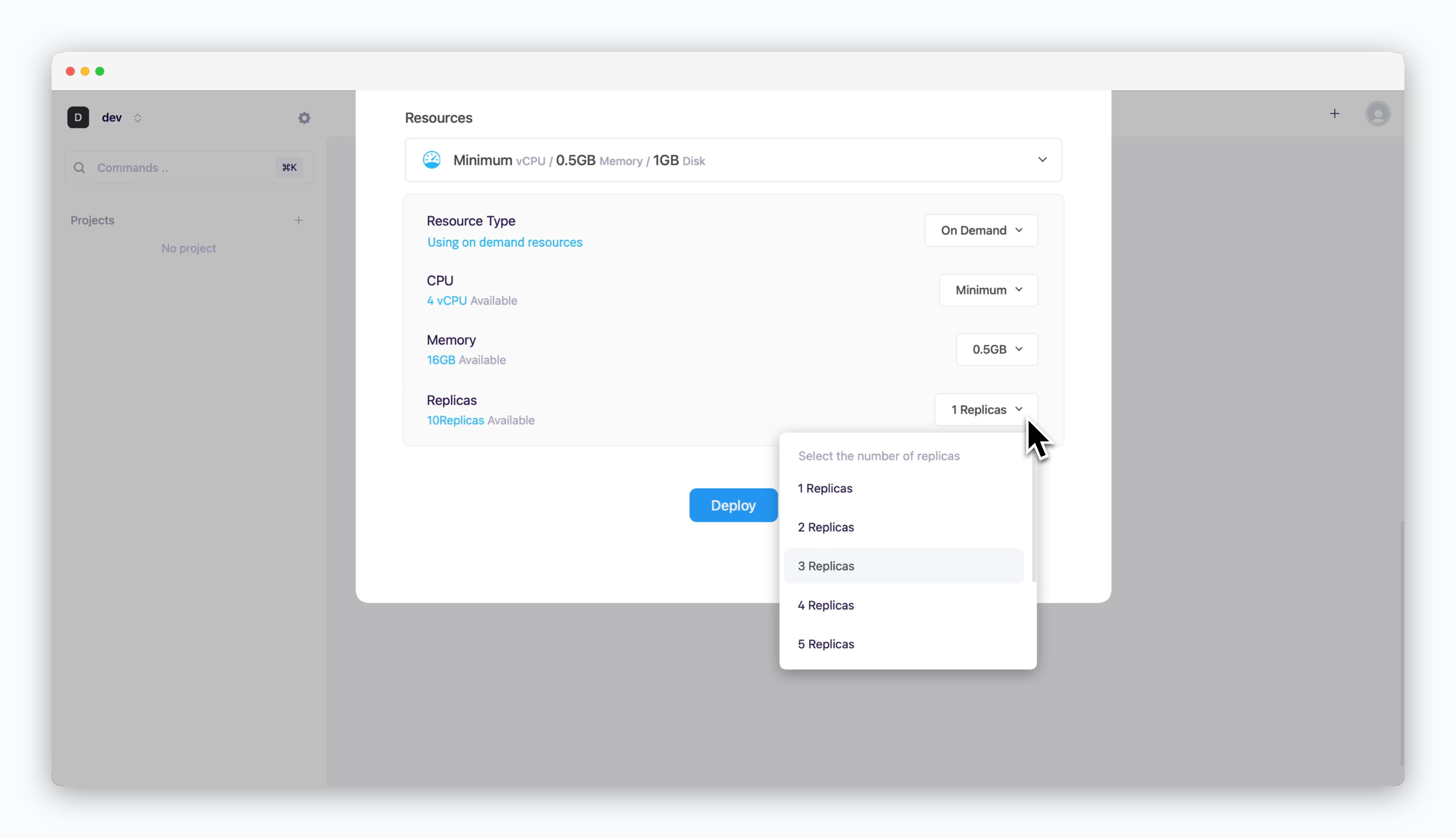 > You can set the initial number of replicas during service deployment by configuring the ReplicaSet.
The service is horizontally scaled to the number you set, ensuring load balancing and availability.
## Monitoring
> You can set the initial number of replicas during service deployment by configuring the ReplicaSet.
The service is horizontally scaled to the number you set, ensuring load balancing and availability.
## Monitoring
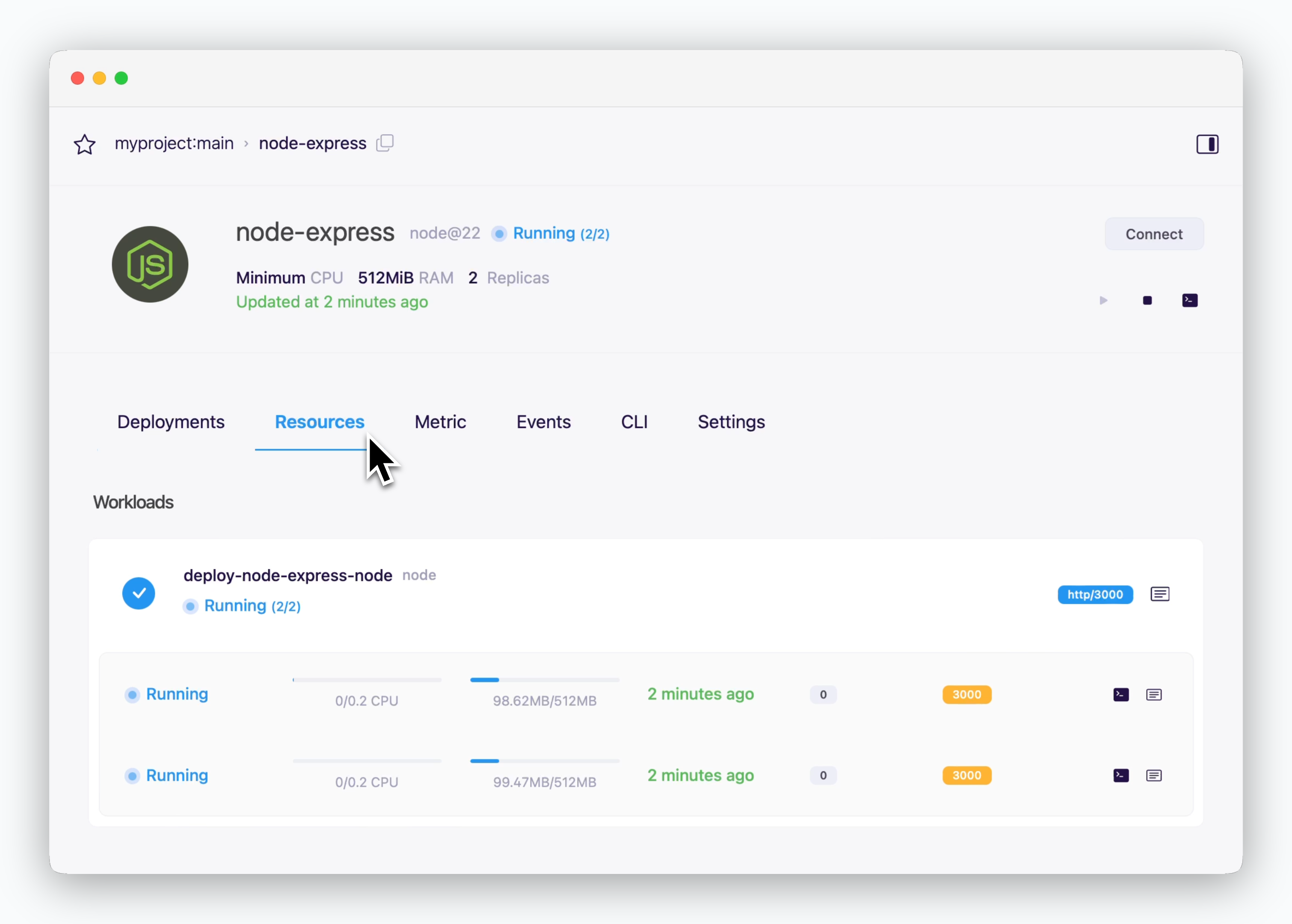 > Monitor your service replicas in the resource tab of the service page. This tab shows the current status and resource usage of each replica.
The icons on the right provide quick access to runtime logs, terminal connections, and deployment descriptions for each replica.
## Scaling
> Monitor your service replicas in the resource tab of the service page. This tab shows the current status and resource usage of each replica.
The icons on the right provide quick access to runtime logs, terminal connections, and deployment descriptions for each replica.
## Scaling
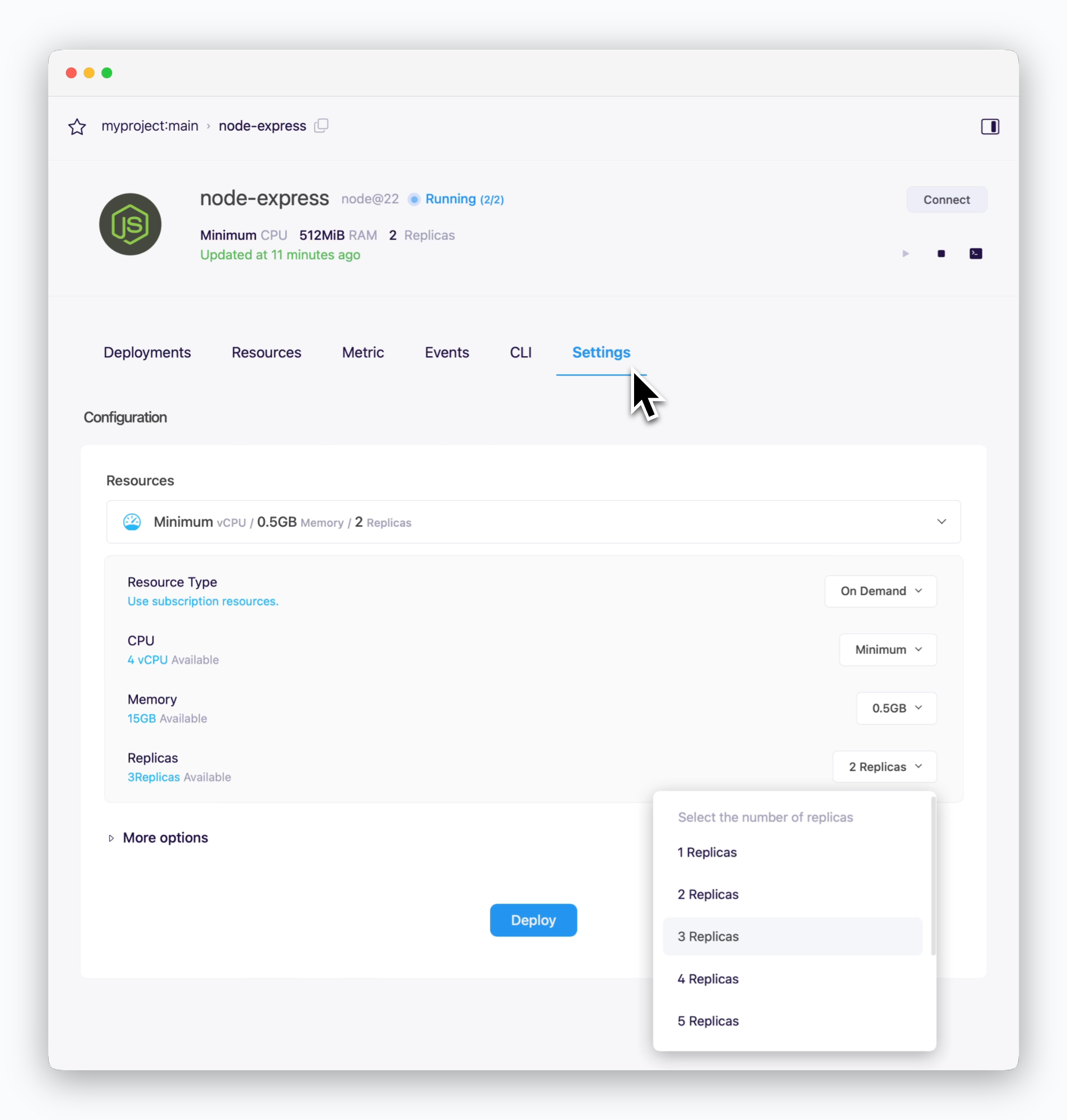 > To scale a service, navigate to the resource section under settings tab of the service. Adjust the number of replicas as needed, then click `Deploy` to apply changes and trigger a new deployment.