> ## Documentation Index
> Fetch the complete documentation index at: https://docs.ale.run/llms.txt
> Use this file to discover all available pages before exploring further.
# Clusters
> You can view information about clusters connected to ale and modify their settings.
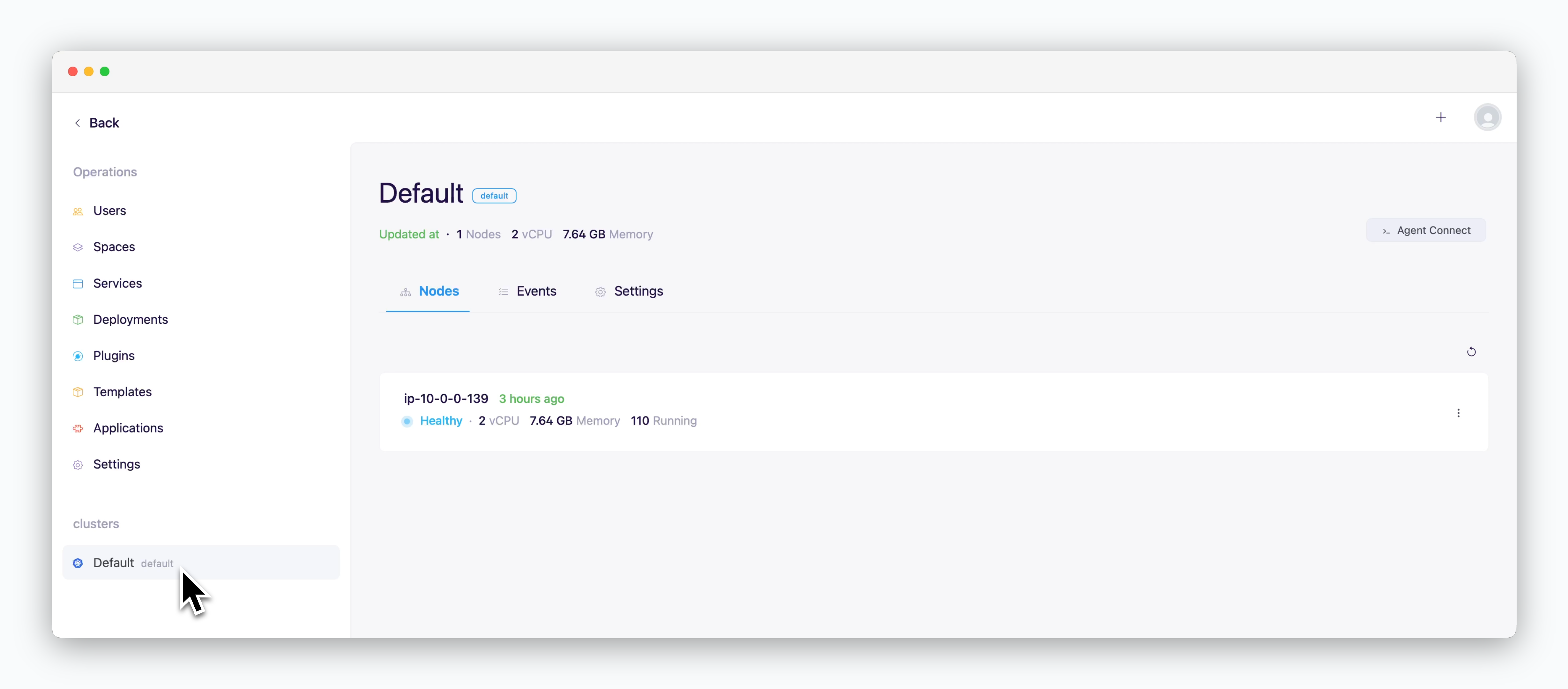 To add a cluster managed by ale, see the [Multi-Cluster page.](/en/advanced/multi-cluster)
***
## Agent Access
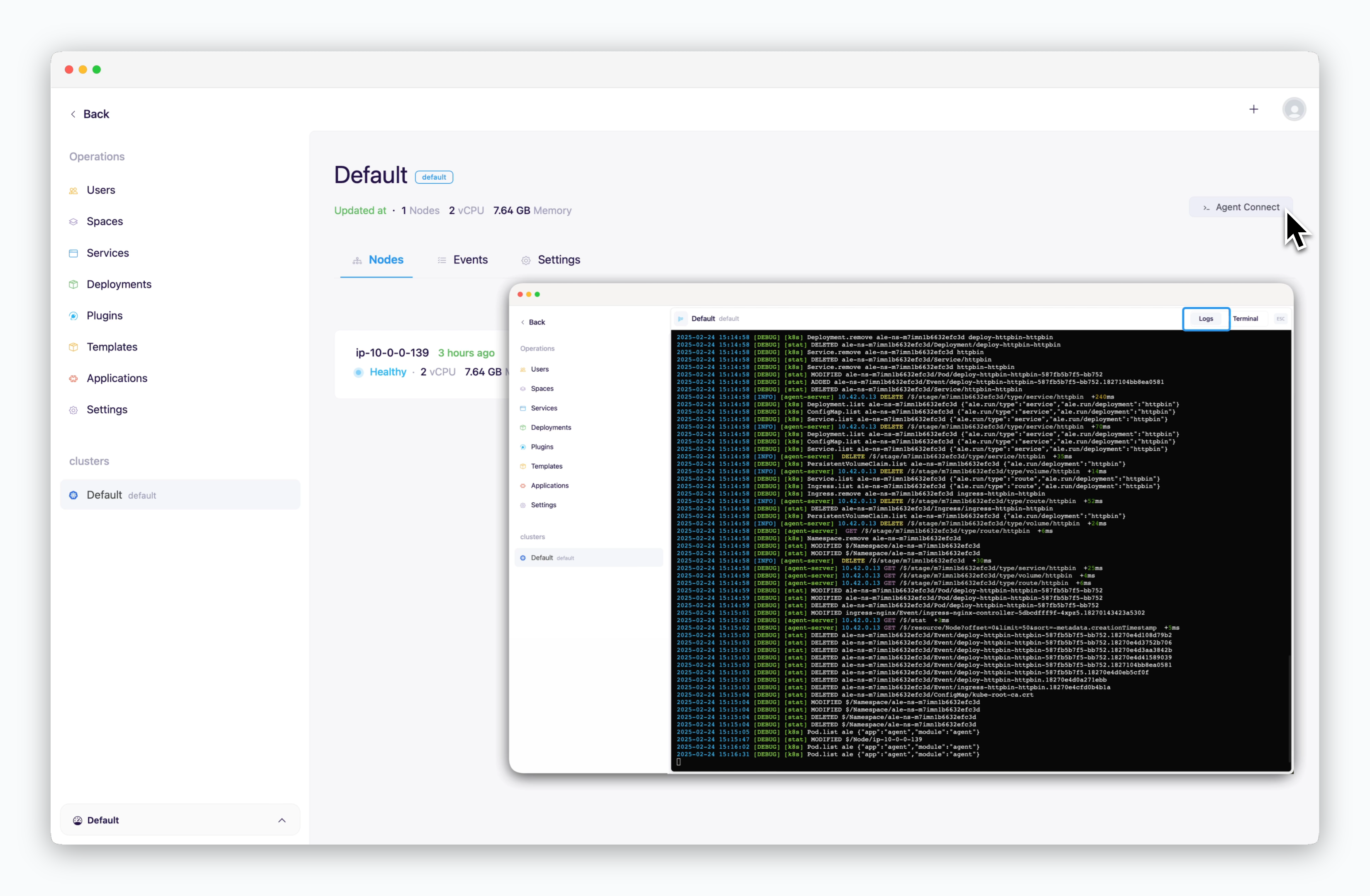
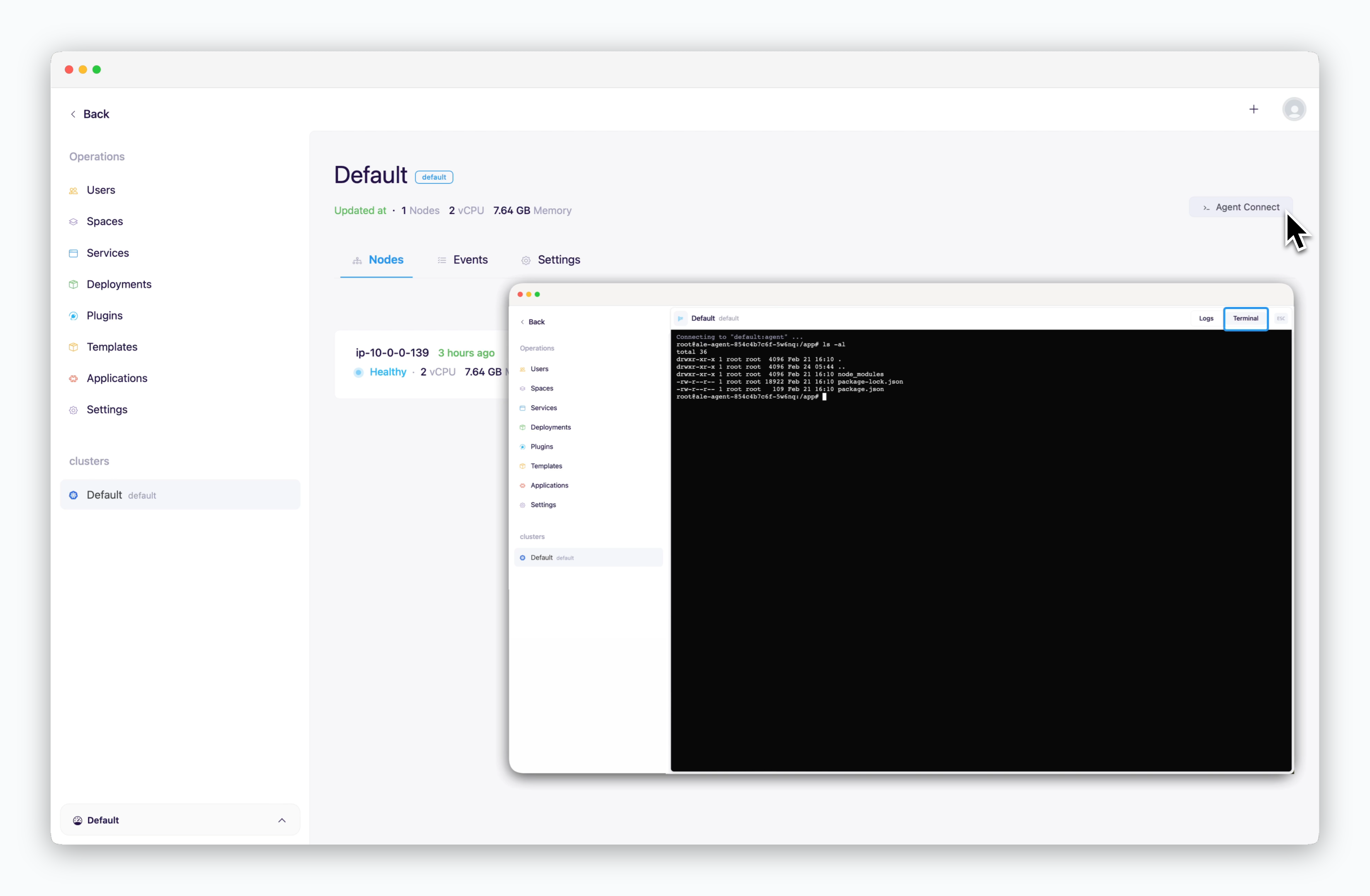
> You can access the cluster using the `Agent Access` button in the top right.
To add a cluster managed by ale, see the [Multi-Cluster page.](/en/advanced/multi-cluster)
***
## Agent Access
> You can access the cluster using the `Agent Access` button in the top right.
 ## Nodes
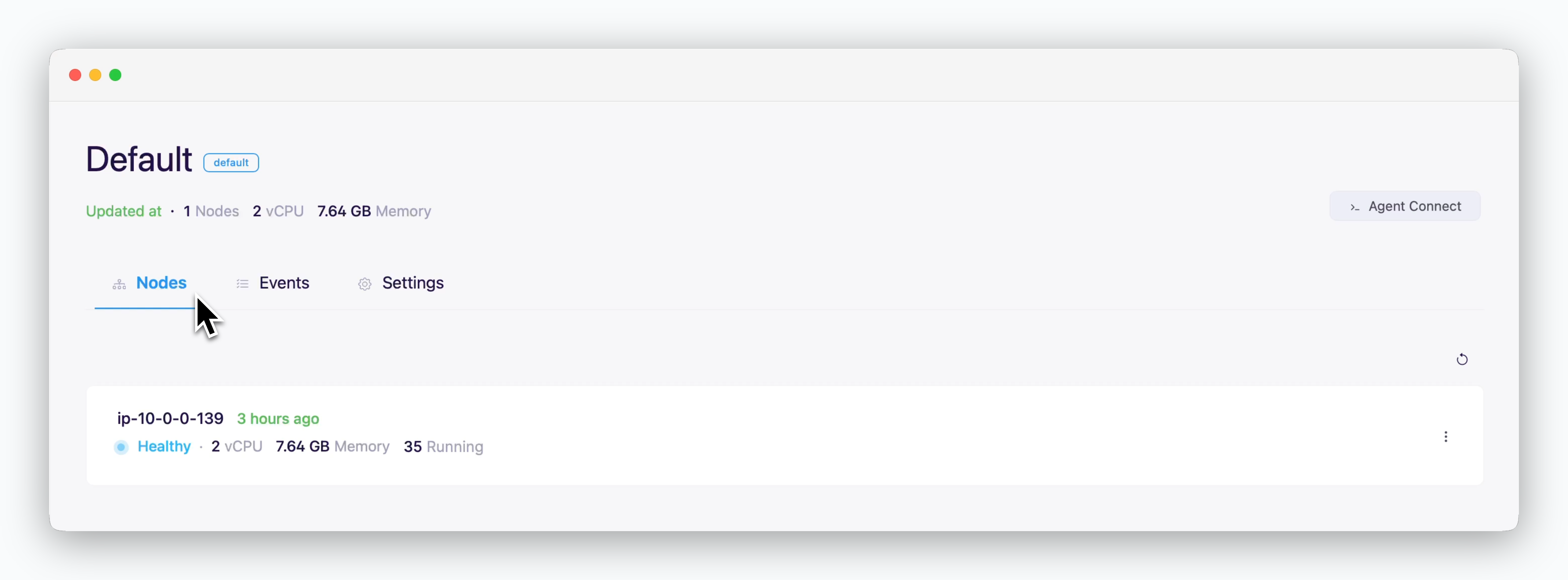 > You can view information about the nodes that make up clusters connected to `ale`.
* **Node Hostname**
* **Node Status**
* **CPU / Memory**
* **Number of running pods**
## Events
> You can view information about the nodes that make up clusters connected to `ale`.
* **Node Hostname**
* **Node Status**
* **CPU / Memory**
* **Number of running pods**
## Events
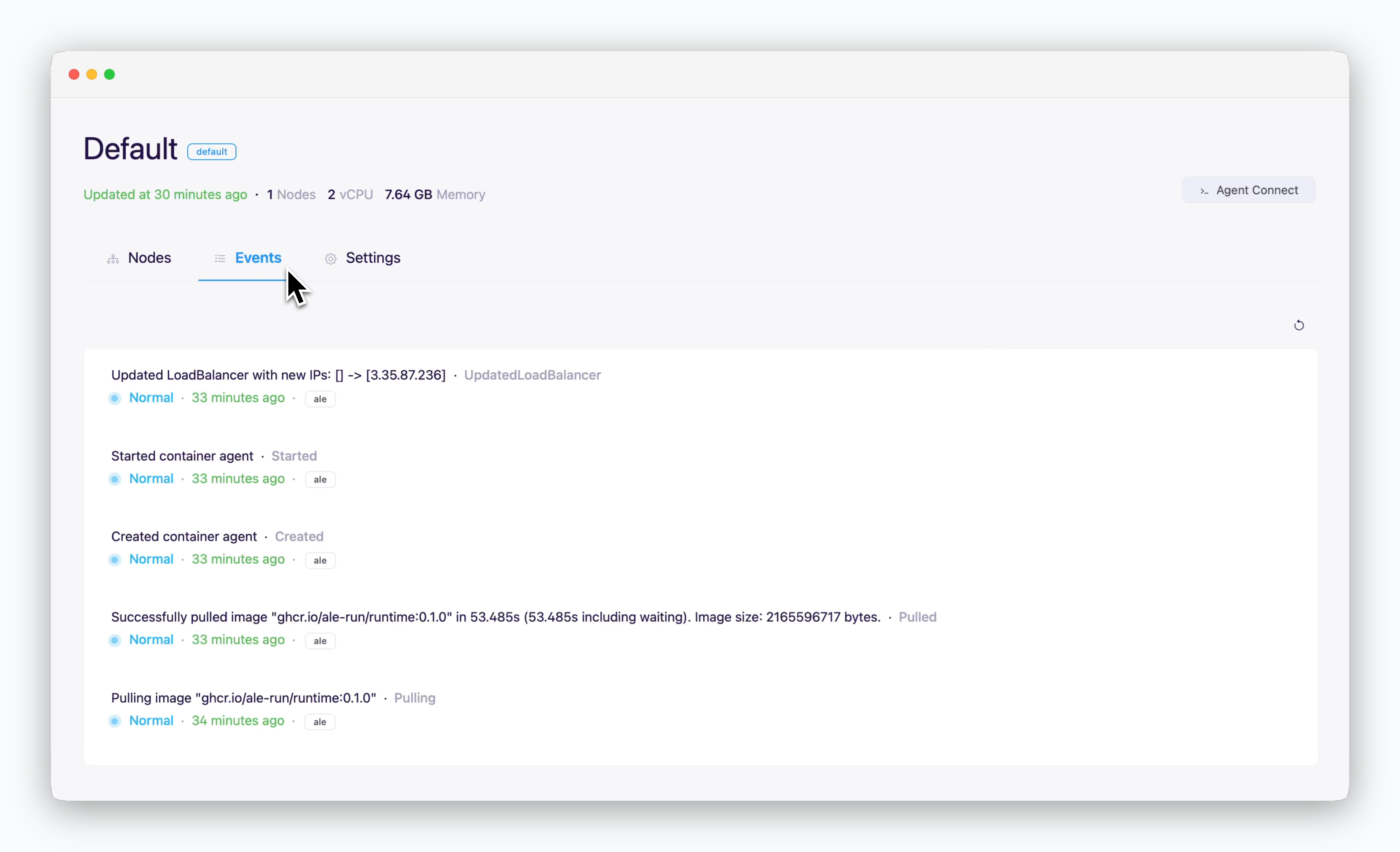 > You can view events occurring in the cluster.
## Settings
### Container Registry
> You can view events occurring in the cluster.
## Settings
### Container Registry
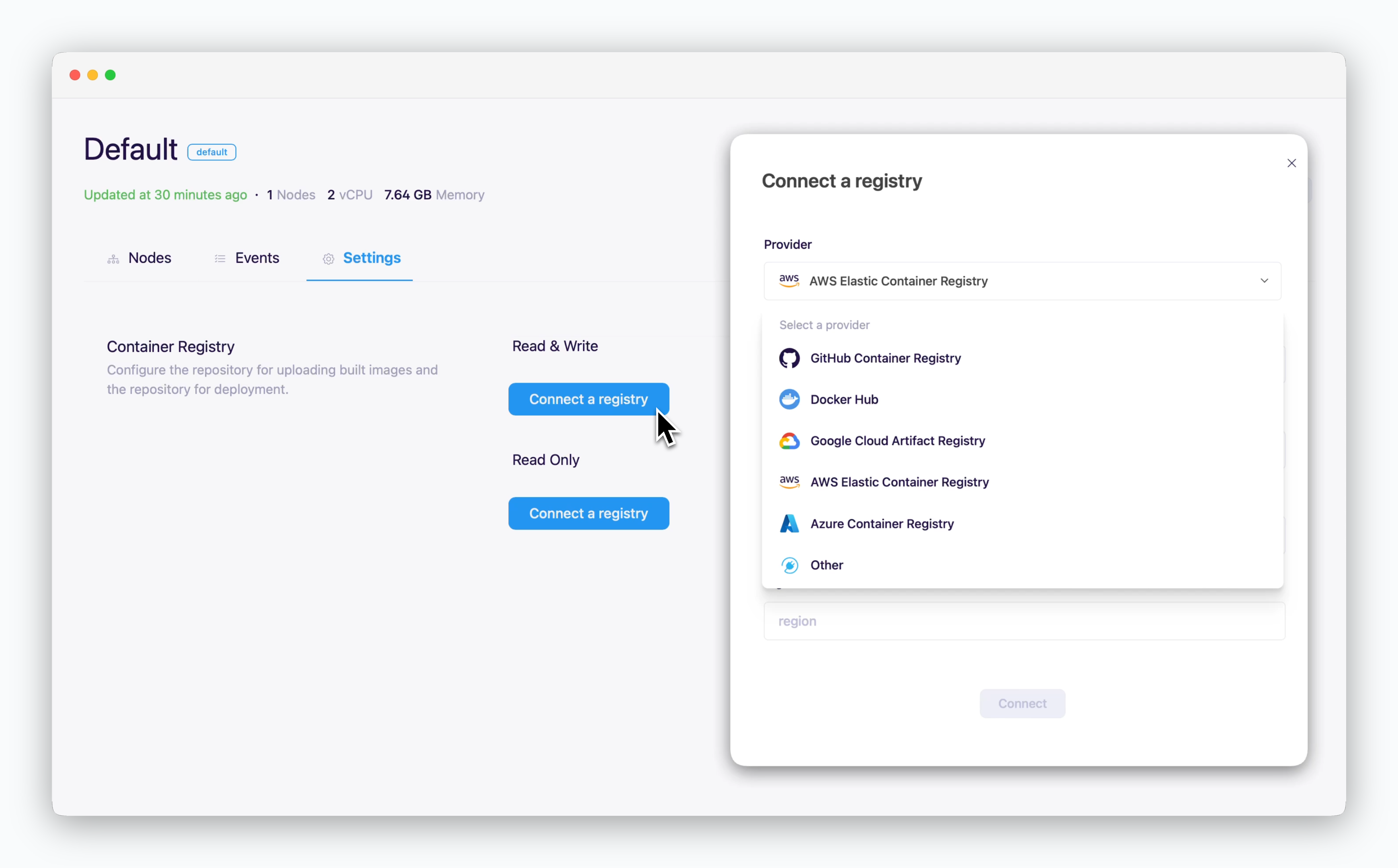 > To integrate external container registries, refer to the links below for guide on connecting to each provider's registry.
### Network
> To integrate external container registries, refer to the links below for guide on connecting to each provider's registry.
### Network
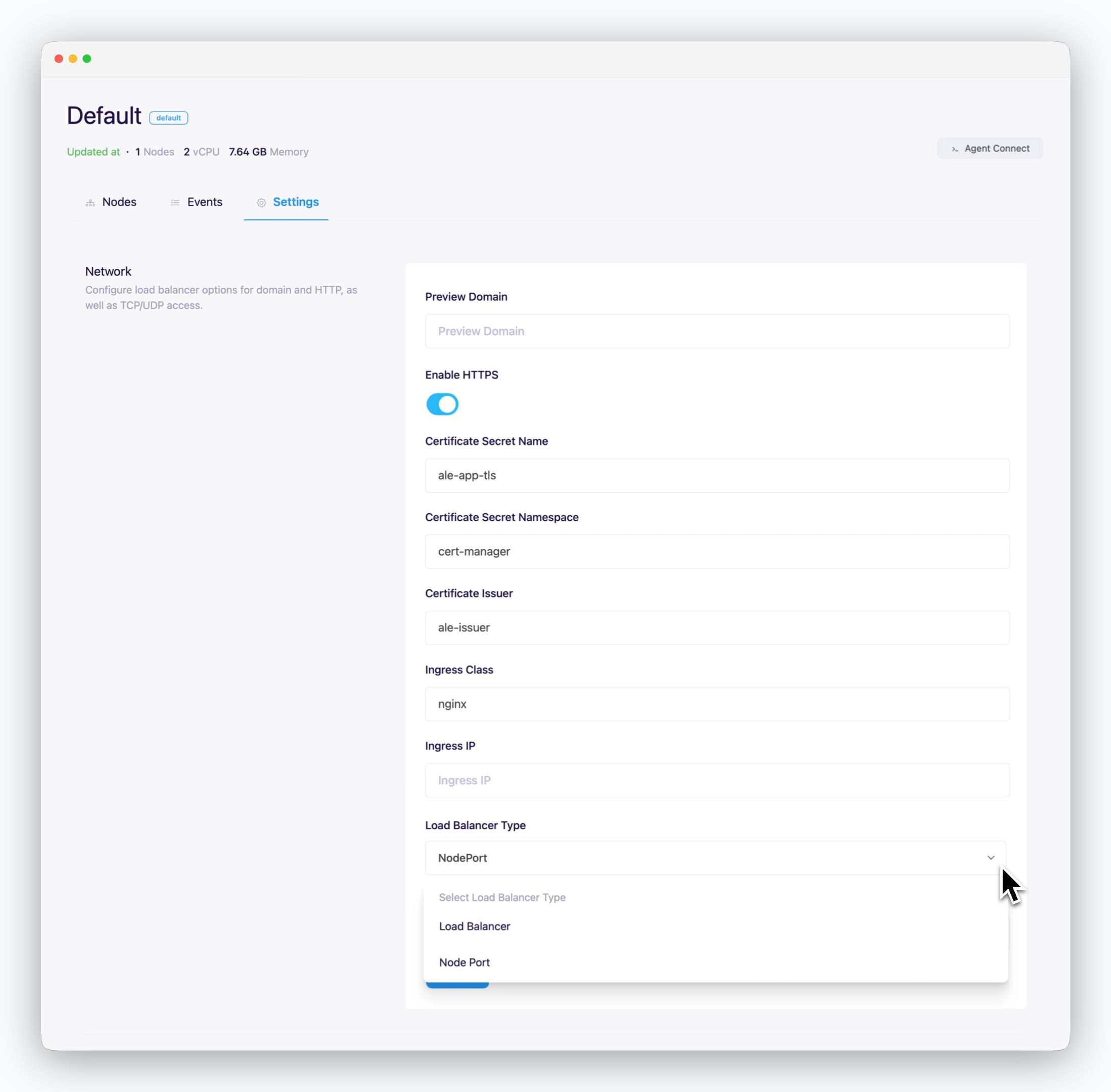 * **Preview Domain**: Connected root domain
* **Use HTTPS**
* **enabled**: Internet environment
* **disabled**: Intranet/closed network environment
* **Certificate Secret Name**: TLS certificate secret name
* **Certificate Secret Namespace**: Namespace of TLS certificate
* **Certificate Issuer**: Name of the certificate issuer (ClusterIssuer) that issues TLS certificates
* **Ingress Class**: Ingress class name to apply to deployed web services
* **Ingress IP**: External IP or Hostname of Nginx Ingress Controller
* **Load Balancer Type**: TCP connection method for deployed applications
* **Load Balancer**
* **NodePort**
### Storage
* **Preview Domain**: Connected root domain
* **Use HTTPS**
* **enabled**: Internet environment
* **disabled**: Intranet/closed network environment
* **Certificate Secret Name**: TLS certificate secret name
* **Certificate Secret Namespace**: Namespace of TLS certificate
* **Certificate Issuer**: Name of the certificate issuer (ClusterIssuer) that issues TLS certificates
* **Ingress Class**: Ingress class name to apply to deployed web services
* **Ingress IP**: External IP or Hostname of Nginx Ingress Controller
* **Load Balancer Type**: TCP connection method for deployed applications
* **Load Balancer**
* **NodePort**
### Storage
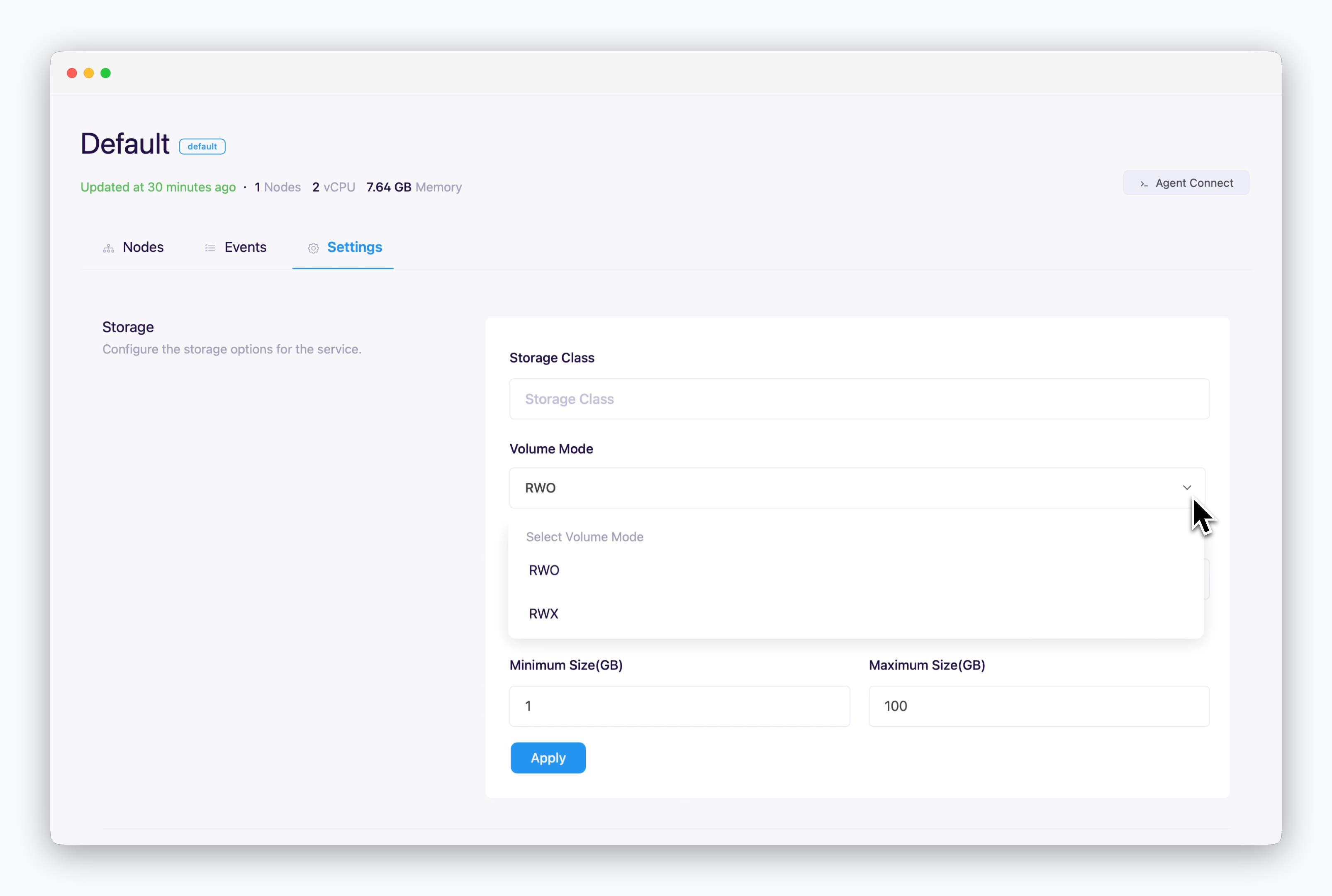 * **Storage Class**
* **Volume Mode**
* **RWO(ReadWriteOnce)**: Single node volume mount, single pod use
* **RWX(ReadWriteMany)**: Multi-node volume mount, multi-pod use
* **Min/Max Size**: Enter in GB
* **Storage Class**
* **Volume Mode**
* **RWO(ReadWriteOnce)**: Single node volume mount, single pod use
* **RWX(ReadWriteMany)**: Multi-node volume mount, multi-pod use
* **Min/Max Size**: Enter in GB